
AC adapter from power station
Use the kit's approved AC power supply; check its input label against the station's regional AC voltage and frequency.
Starlink Mini runtime is only part of the setup. Plan the battery, USB-C PD or DC path, cable headroom, reserve, solar offset, and station fit together.
The specification sheet gives 25–40 W average draw. The three examples below use 32 W, 1,000 Wh, 15% reserve, a new battery and no temperature loss. Delivery efficiency is a planning assumption; fixed overhead is unknown and excluded. These are estimates, not measured station results.
| Output path | Efficiency (%) | Usable energy | Estimated runtime |
|---|---|---|---|
| AC adapter from power station | 85% | 723 Wh | 22h 35m |
| DC barrel / direct DC | 93% | 791 Wh | 1d 0h |
| USB-C PD power bank | 92% | 782 Wh | 1d 0h |
Use the kit's approved AC power supply; check its input label against the station's regional AC voltage and frequency.
Mini's published input is 12–48 V, 60 W. Check regulated voltage, the exact barrel connector, polarity and cable voltage drop; headline DC watts alone do not verify them.
The official USB-C to barrel accessory requires a 100 W USB PD source with 20 V / 5 A. Check the supported PD profile and rated cable; a port marked 100 W alone is insufficient.
Something blocked the calculator from starting. Check your connection or reload the page to try again.
Use a USB-C PD source with enough voltage and headroom for boot.
Runtime estimate
1d 2hRuntime estimate: 1d 2hBased on 32 W average draw and 92% delivery efficiency.
Sensitivity scenarios, not a measured confidence interval: the endpoints change planning assumptions or apply the stated planning factors. They are not a guarantee or a probability of achieving this runtime.
These records clear the selected delivery path output target and a one-day Starlink Mini energy need with your reserve assumption.
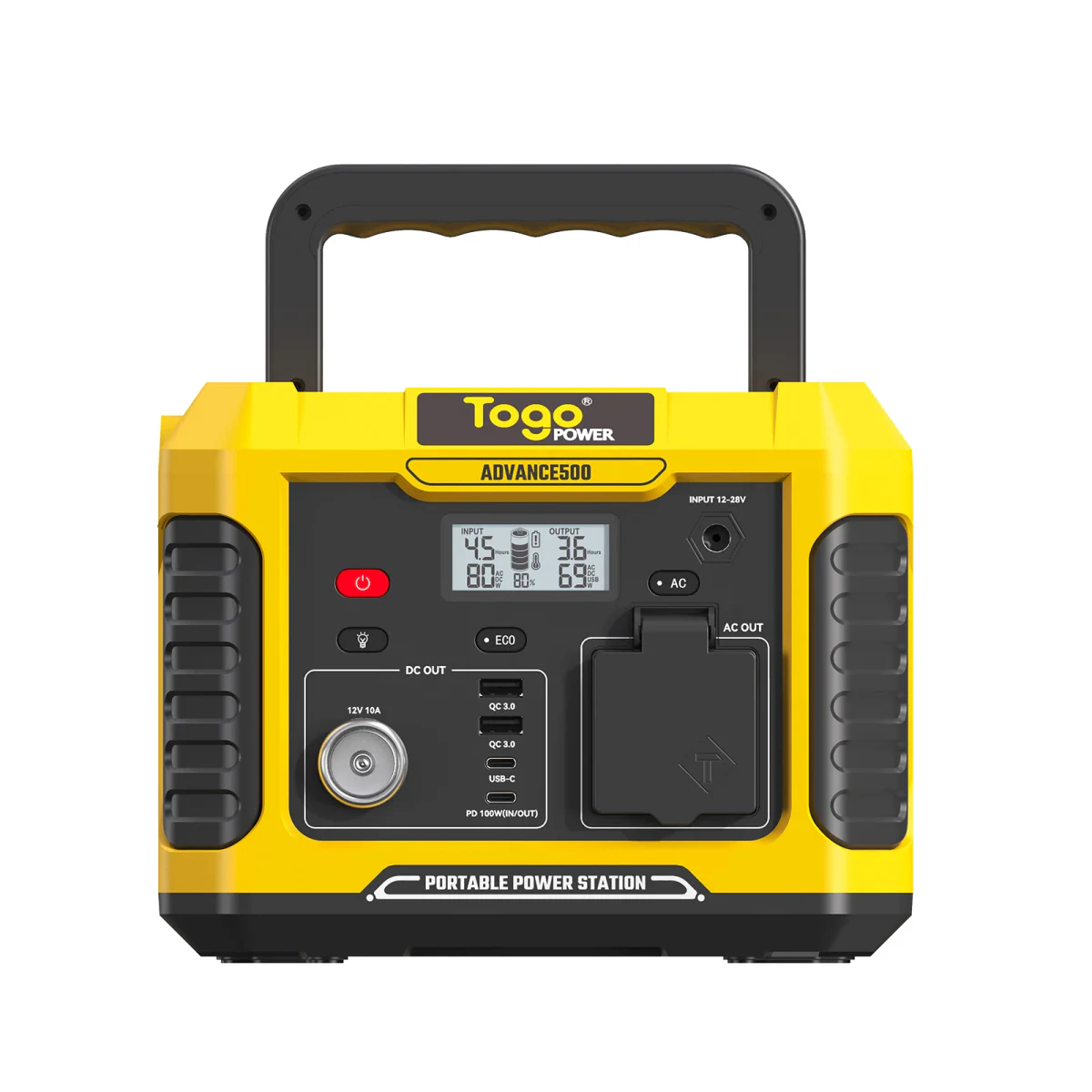
346 Wh, 100 W available on this path, confidence Estimated.
A numeric match is a shortlist, not confirmed compatibility. Fixed overhead may be unknown; verify exact ports, startup duration and charging behavior. Follow manufacturers for critical backup.
Model evidence and sources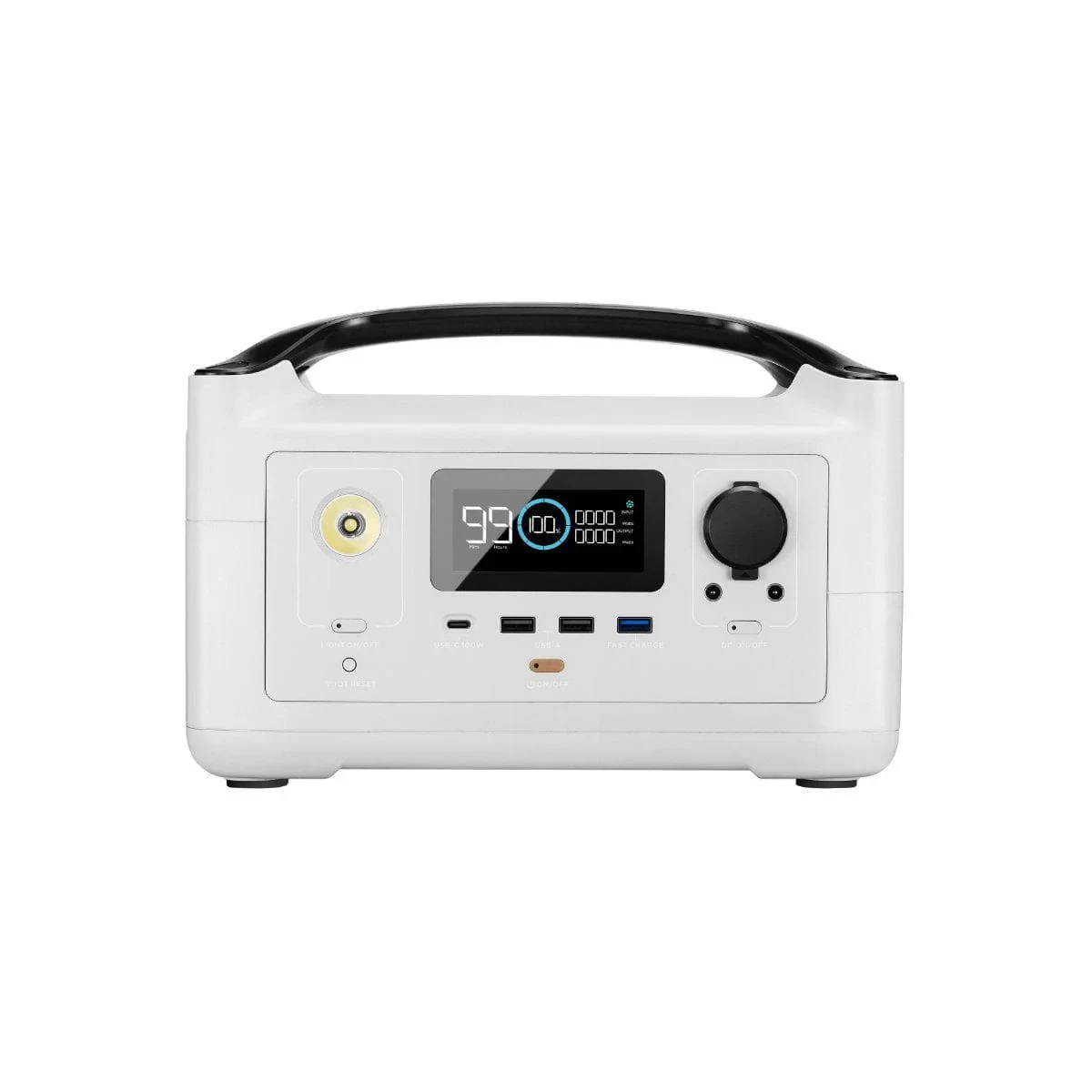
360 Wh, 100 W available on this path, confidence Estimated.
A numeric match is a shortlist, not confirmed compatibility. Fixed overhead may be unknown; verify exact ports, startup duration and charging behavior. Follow manufacturers for critical backup.
Model evidence and sources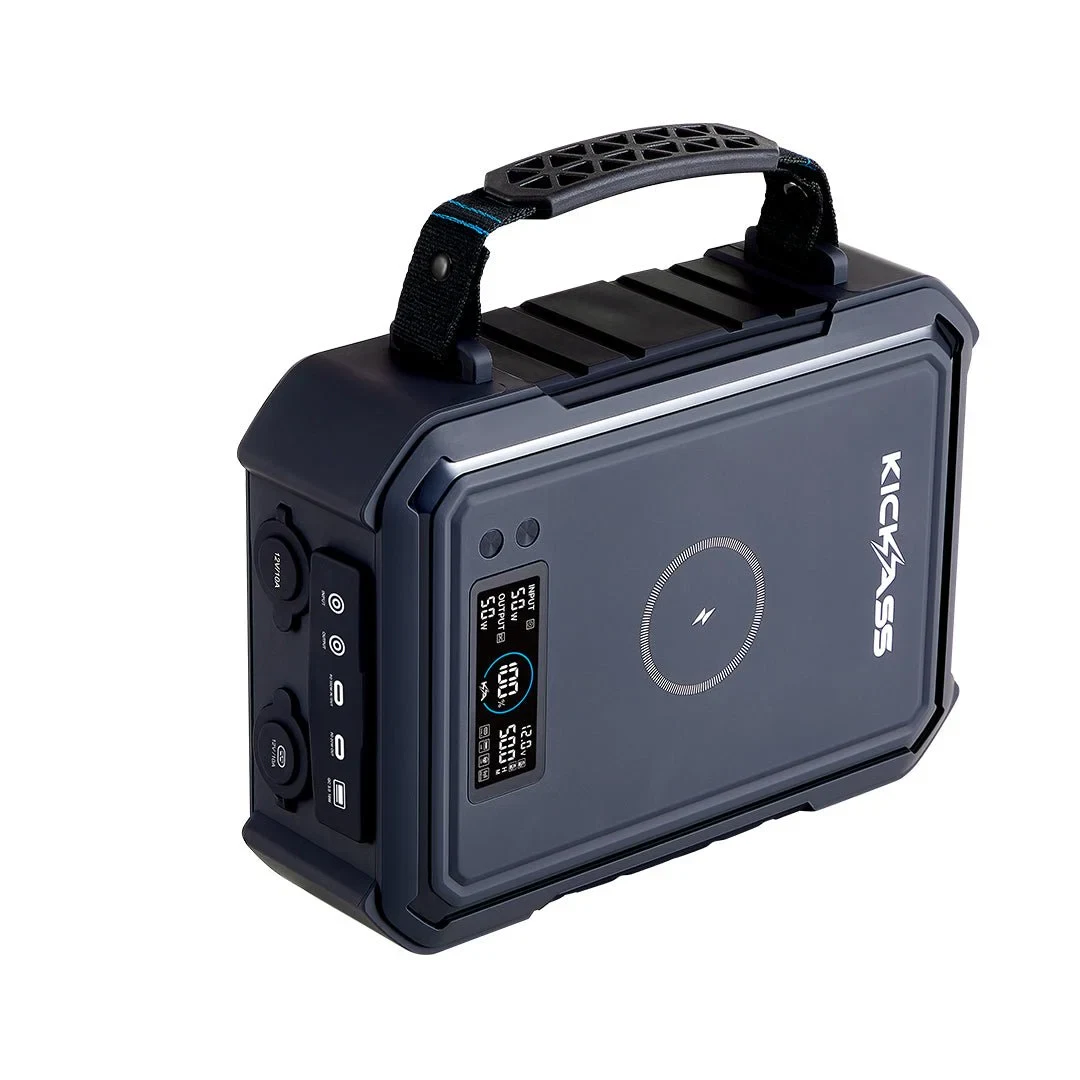
384 Wh, 100 W available on this path, confidence Estimated.
A numeric match is a shortlist, not confirmed compatibility. Fixed overhead may be unknown; verify exact ports, startup duration and charging behavior. Follow manufacturers for critical backup.
Model evidence and sourcesWattRunTime.com
Sensitivity scenarios, not a measured confidence interval: the endpoints change planning assumptions or apply the stated planning factors. They are not a guarantee or a probability of achieving this runtime.
Starlink Mini draw varies with firmware, heat, sky view, boot, cable losses, and network conditions.
Target a USB-C PD source around 100 W with 20 V / 5 A headroom. Low-power USB-C banks can fail even when total Wh looks adequate.
Use the planner page for the whole field setup, not just battery hours. A good Starlink Mini kit has a compatible power path, cable headroom, reserve, and a solar plan for daytime use.
Pick USB-C PD, direct DC, a 12 V step-up converter, or AC inverter before comparing runtime. Each path changes losses and output requirements.
Long or thin cables can lose voltage during boot. Keep connector fit, voltage target, weather exposure, and cable rating in the same checklist as Wh.
A panel can offset daylight internet use, but overnight service still depends on stored Wh, reserve, and cloudy-day margin.
Treat the result as a kit plan: enough output headroom to boot, enough stored energy for night use, and enough solar offset for the day you expect.